Free tools / Practice
Touch-typing trainer
A little steadier. A little smoother.
Start with the home row, add keys a few at a time, then give your slower and more-missed keys some extra attention.
Practice
English · QWERTYUse the bumps on F and J to find your starting position. Let your fingers return to the home row. Go as slowly as you need.
Accuracy first. Speed can follow.
Start a lesson, then type the practice line. The clock starts on your first character. A physical keyboard is best; a phone’s suggestions can change the task.
Your keys, at a glance
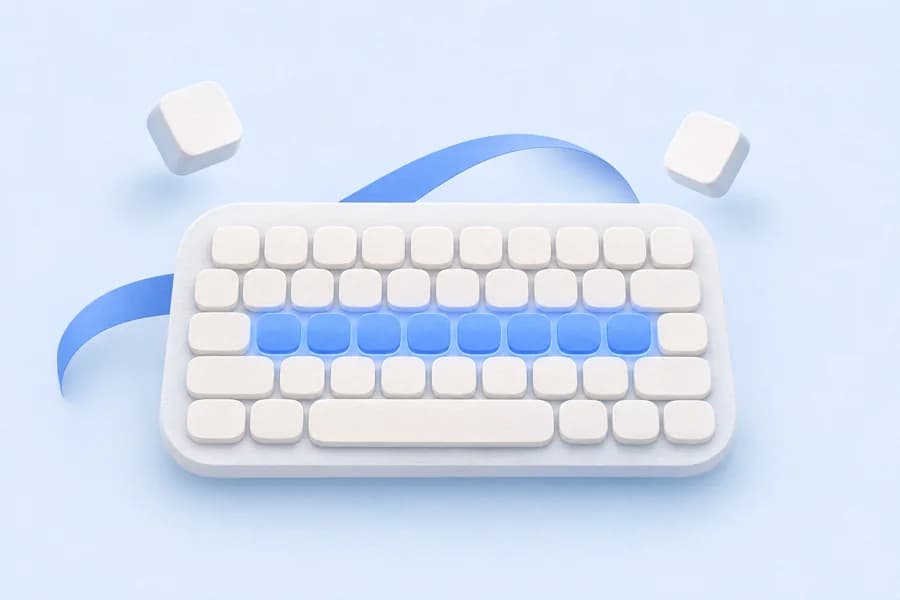
A deeper blue means a key currently gets more adaptive practice: it is slower, more often missed, or both. Select a key for its numbers. Blank keys have no data yet.
Less extra practice → More extra practice
F: no attempts yet
Your practice, over time
Compare sessions with similar settings. These are your own results, not a ranking.
Your first session starts the story. Finish a practice to see your history here.
Understand the ability behind this activity
Explore the measurements, age comparisons and evidence for what affects performance.
All brain abilities
A small practice, with a clear purpose
Lessons introduce F and J, D and K, the rest of the home row, then the upper and lower rows. Practice uses only the keys introduced so far. Adaptive practice samples familiar words with extra weight for your slower and more-missed keys; it does not lock you into one difficult letter.
A few useful answers
Does adaptive practice use what I type elsewhere?
Can I use a different language or keyboard?
This first version teaches English QWERTY. Other layouts need their own key progression and reviewed word list. Changing your physical layout may make these lessons less useful.
Sources & materials
Vocabulary: a reviewed, frequency-ordered subset of wordfreq 3.1.1, by Robyn Speer and contributors. Data licence: CC BY-SA 4.0. We selected words and omitted frequencies. Drills and lessons are original CC0 material. wordfreq · CC BY-SA 4.0